1
Add your details
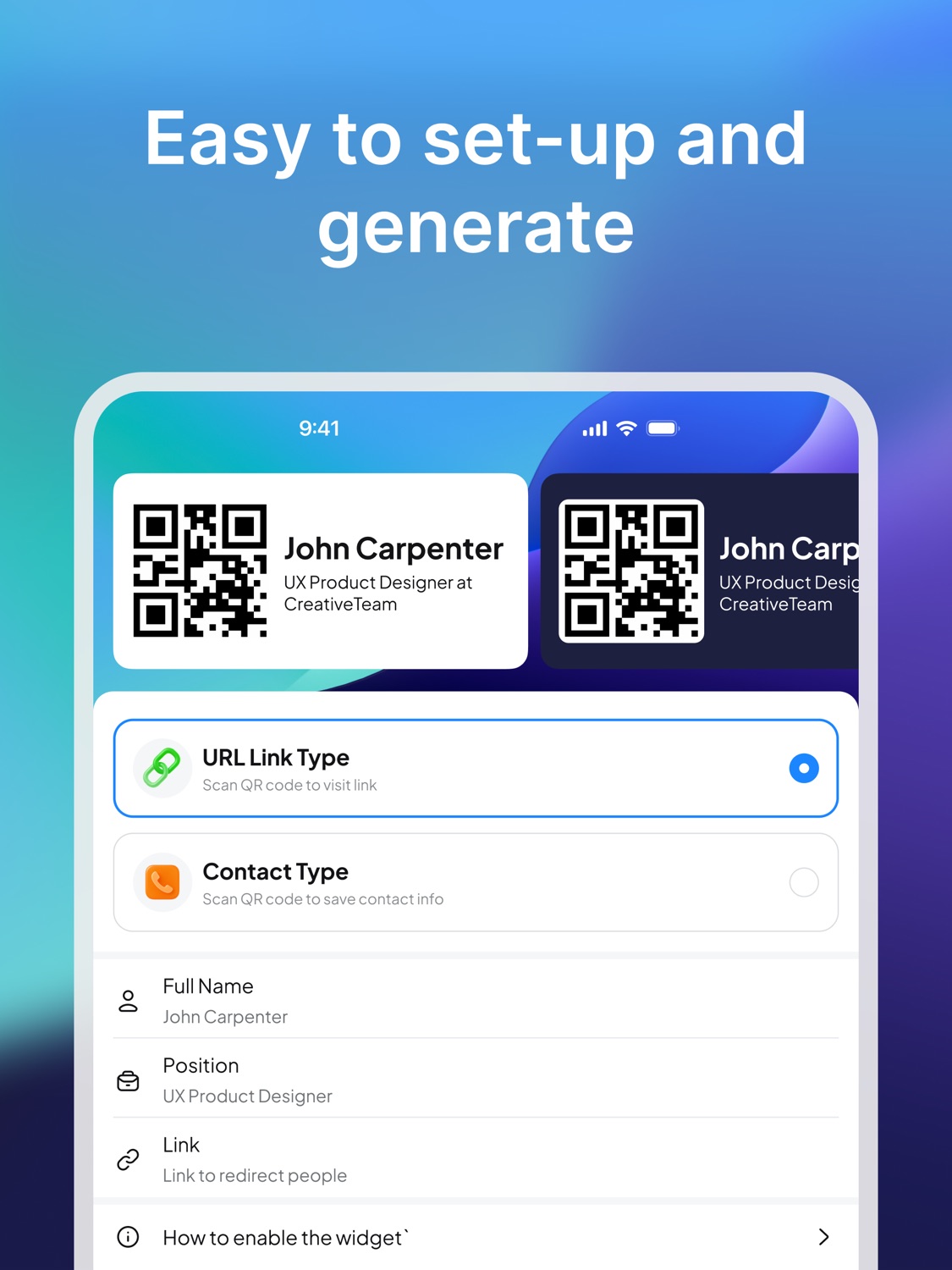
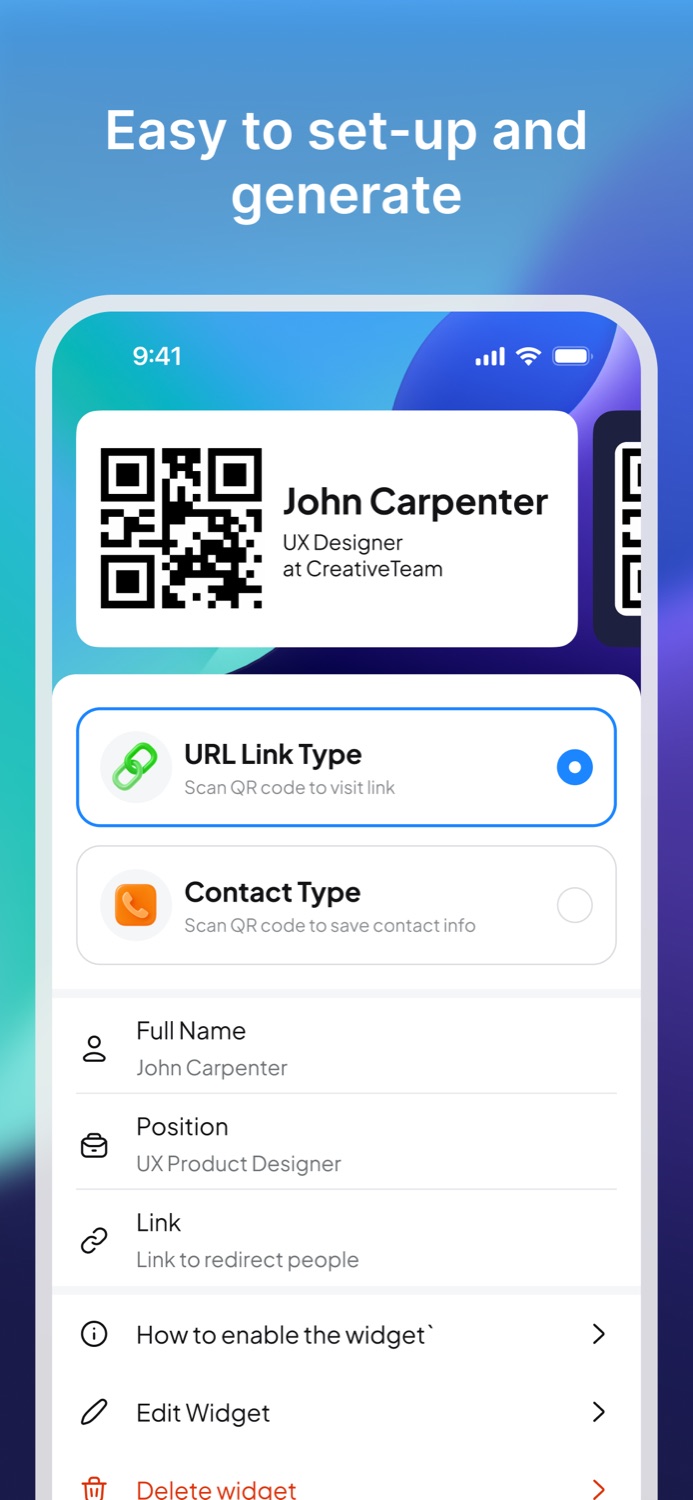
Enter your name, role, URL, phone number, or the information you want someone to open after scanning.
Digital business card app
Create a QR business card with your contact or link, add it to your Home Screen, and let people scan it in seconds.
Why it works
Paper business cards still have a place, but the fastest exchange often happens through a phone. A QR business card gives people a direct way to open your link or contact details while the conversation is still fresh.
Use Business Card Widget at events, client meetings, coworking spaces, interviews, and casual professional conversations where printing, carrying, or updating cards gets in the way.
How it works
Enter your name, role, URL, phone number, or the information you want someone to open after scanning.
Turn your contact or link into a simple QR business card that is ready for quick sharing.
Add the card as a widget on iPhone or open the app when you need someone to scan your information.
Business card features
Share a scannable business card from your phone instead of handing out a printed card.
Point people to your website, portfolio, booking page, social profile, or contact page.
Keep your QR business card visible on iPhone so it is ready when a conversation starts.
Use cases
Share your contact at conferences and networking sessions.
Send prospects to your portfolio or booking page.
Make it easy for leads to save your details after a meeting.
Connect people to your profile, work, or contact link.
Share an online resume, website, or professional profile.
Learn more
If you are comparing paper business cards, digital cards, QR codes, and business card apps, these pages explain the options and lead directly to the app.
Business card guides
Understand the role of paper, digital, and QR business cards.
Use a practical checklist for contact details, links, and QR codes.
Choose a destination, generate the card, and test the scan.
FAQ
Business Card Widget is a business card app that helps you create a QR business card and share your contact or link from your phone.
Yes. A digital QR business card is useful when you do not have printed cards, want to avoid reprints, or want people to open your link immediately.
Business Card Widget is available from the App Store and has a Google Play destination for Android users.
Download
Install Business Card Widget and keep a QR business card ready for the next introduction.