1
Pick the destination
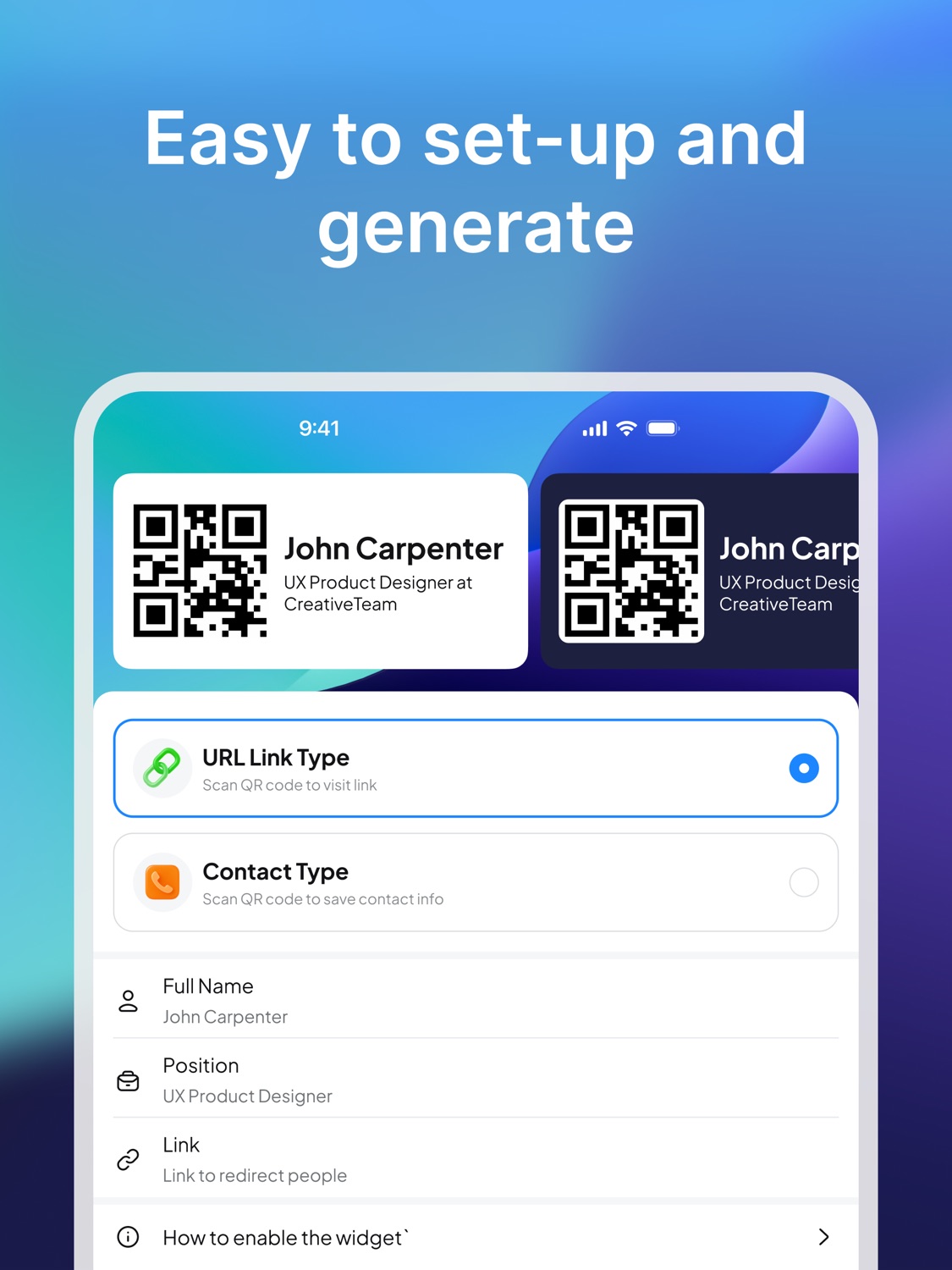
Choose the contact details or link that should open after scanning.
QR code business card
A QR code business card turns a quick introduction into an immediate action. Show your code, let someone scan it, and send them to your contact details or link.
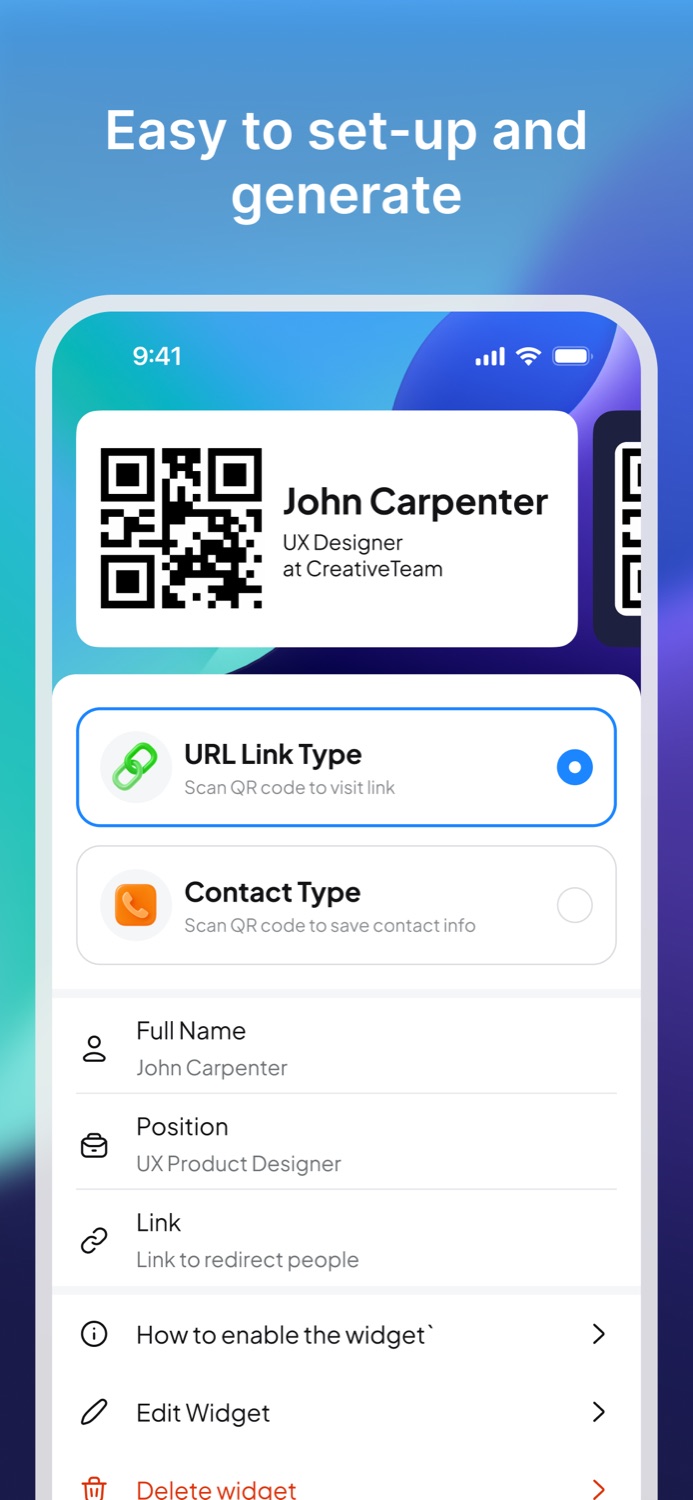
A QR code business card is a scannable business card. Instead of asking someone to type a URL or manually save your contact details, you show a QR code that opens the right destination on their phone.
The destination can be a contact link, website, portfolio, booking page, company page, or social profile. The QR code is the bridge between the in-person conversation and the digital follow-up.
The strongest advantage of a QR business card is speed. If someone can scan your card while they are still talking to you, they are more likely to open the link, save the details, and remember the context.
A contact QR code usually points to contact details. A URL QR code points to a web destination. Both can work as a business card, but the best choice depends on what you want the other person to do after scanning.
If you want someone to call, text, or save you, use contact-oriented information. If you want them to view your work, book a meeting, or learn more, use a URL.
Business Card Widget helps you create a QR business card from your phone, then use it during real conversations. On iPhone, the Home Screen widget makes the QR code easier to access when you need it quickly.
Workflow
Choose the contact details or link that should open after scanning.
Generate a simple QR business card that is ready to show.
Let someone scan your business card from your phone.
FAQ
A QR code business card lets someone scan a code to open your contact details, website, portfolio, or another professional link.
It can link to a website, portfolio, contact page, profile, booking page, or other follow-up destination.
Yes. Business Card Widget is designed to help you create and show a QR business card from your phone.
Download
Install Business Card Widget and make your business card scannable.