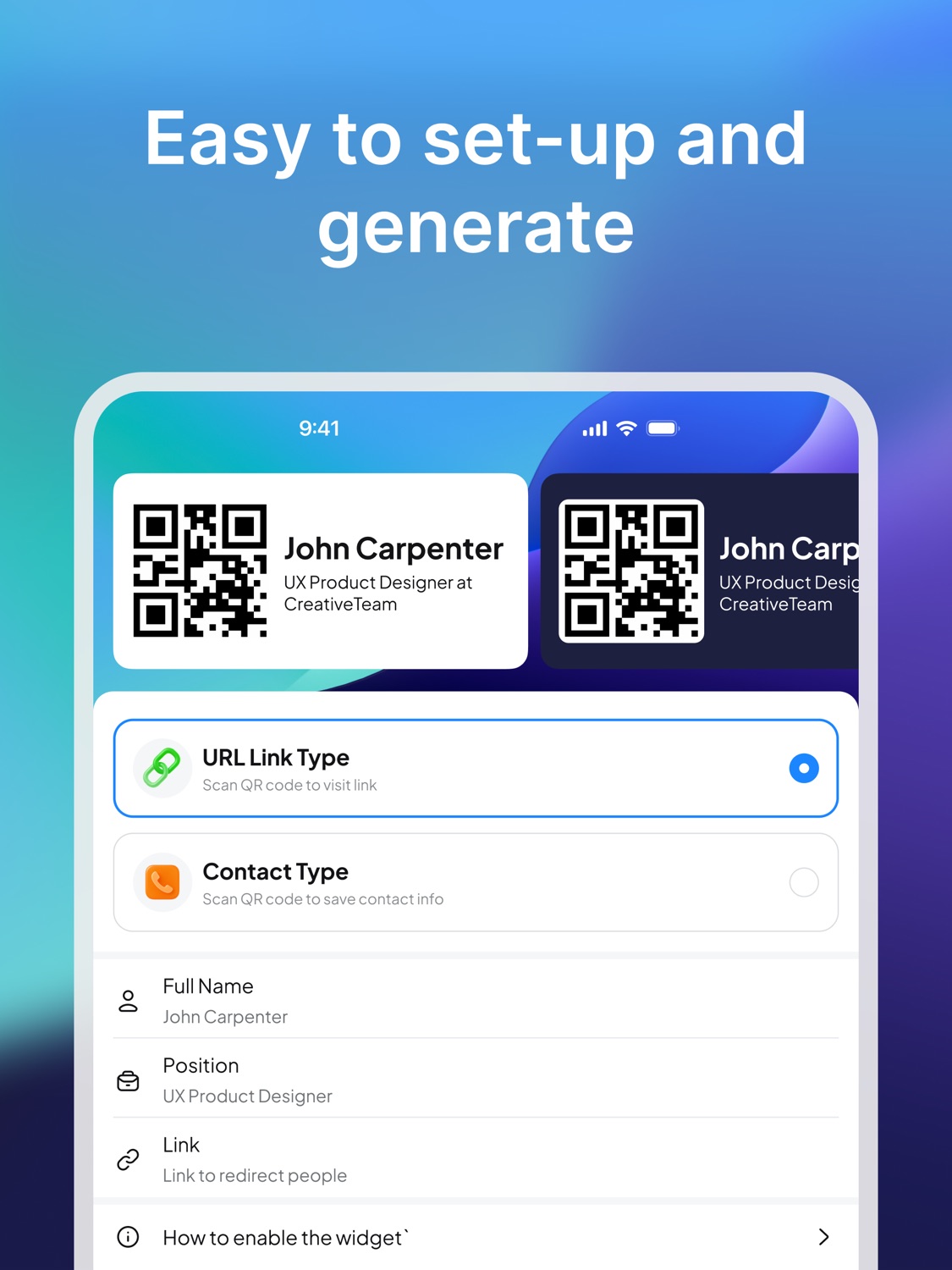
Ready to scan
Keep your QR business card available when a conversation starts.
iPhone business card widget
Business Card Widget lets you create a QR business card and keep it ready as an iPhone widget, so sharing your contact or link takes seconds.
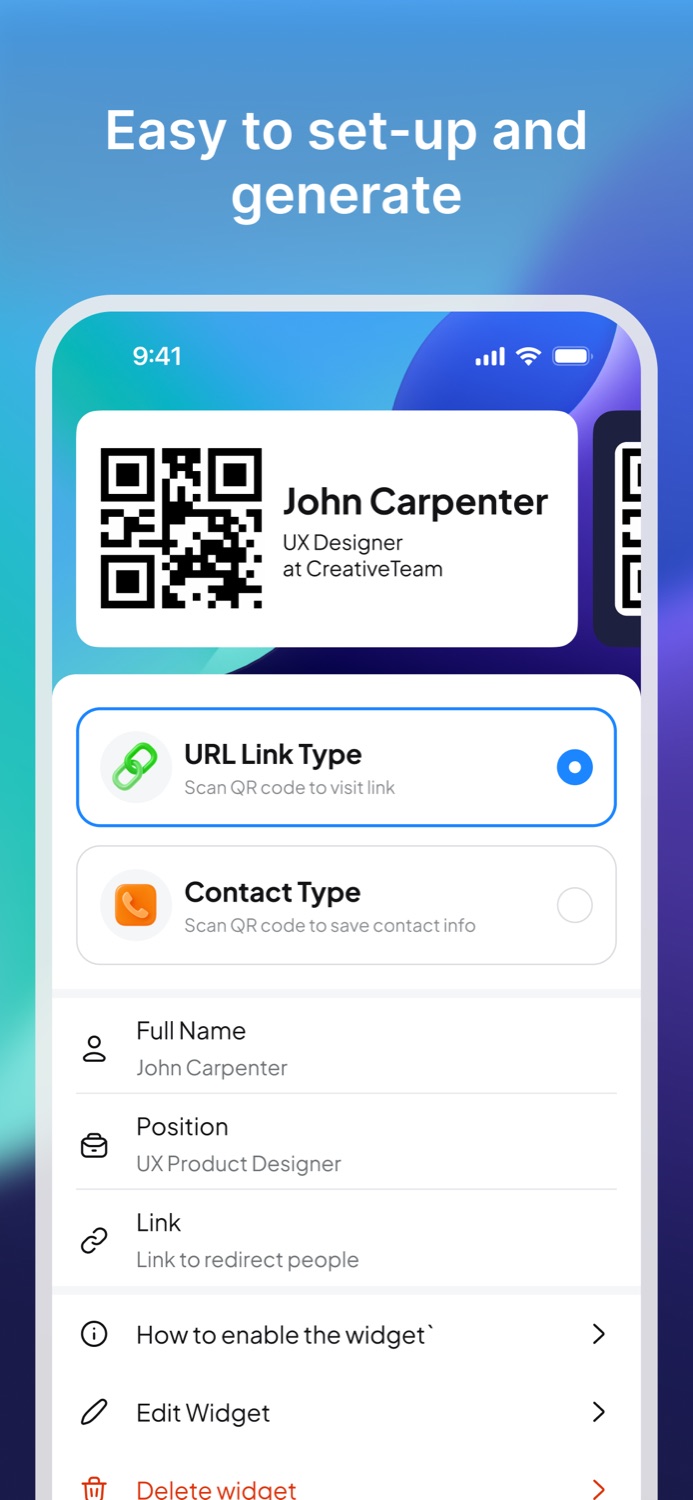
Why a widget
Keep your QR business card available when a conversation starts.
A Home Screen widget reduces the steps between meeting someone and sharing your details.
Use the QR code to point people to the information you want them to open.
A widget is useful when you expect fast introductions: conferences, coworking spaces, recruiting events, client meetings, trade shows, and social situations where someone asks for your details.
Instead of opening multiple screens or searching for a link, you can keep the QR card visible on your Home Screen and let the other person scan it.
Create your QR business card in the app, add the widget on iPhone, and keep the card ready for quick contact sharing. The goal is simple: make the follow-up easier before the conversation is forgotten.
App Store
Install Business Card Widget from the App Store and turn your iPhone into a scannable business card.