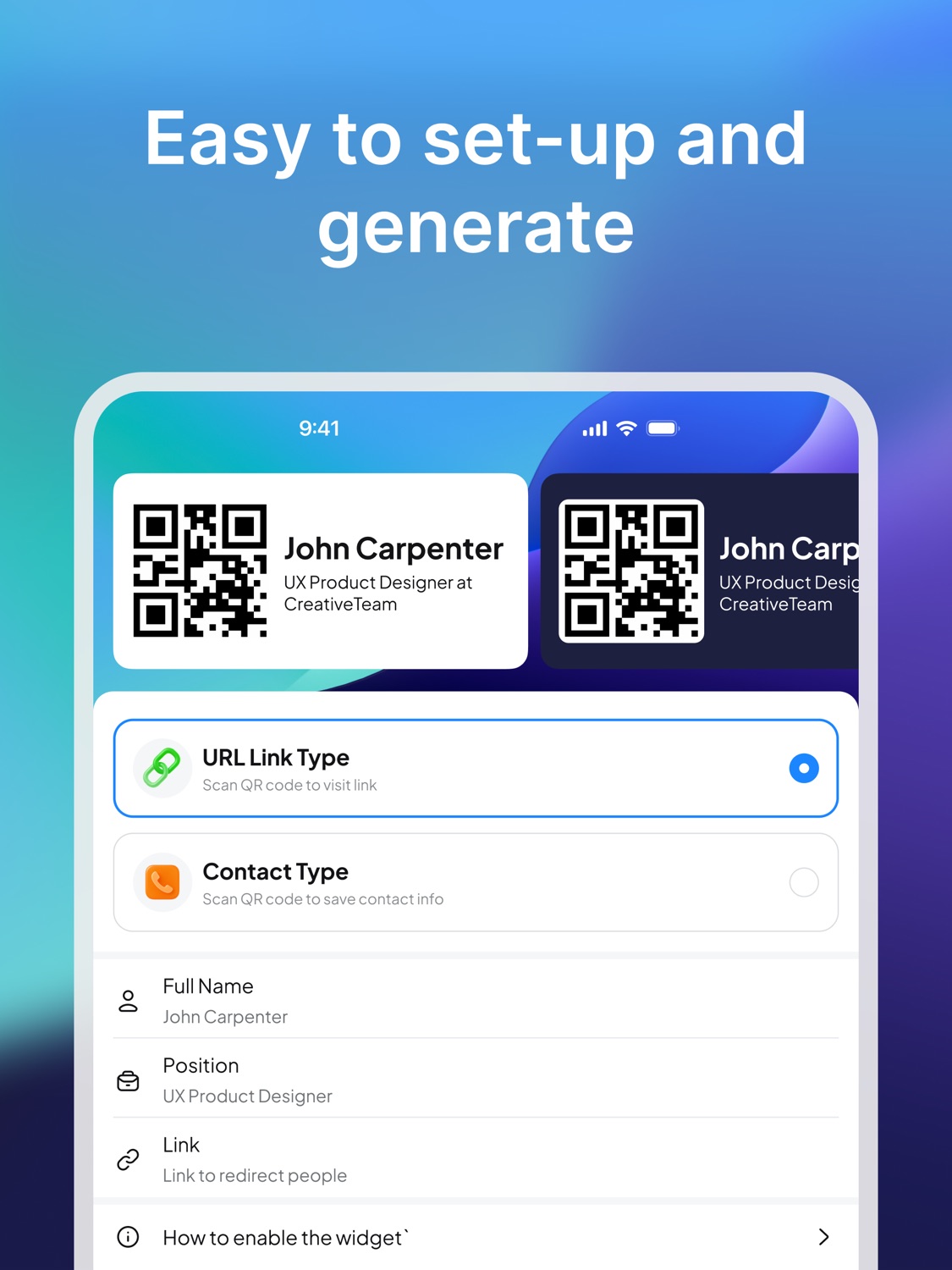
Digital business card
Best when you want a flexible card that is easy to share from your phone.
Business cards guide
Business cards are still about one simple job: helping the right person remember you and contact you later. The format has changed. Today, the best business card may be printed, digital, scannable, or always ready on your phone.
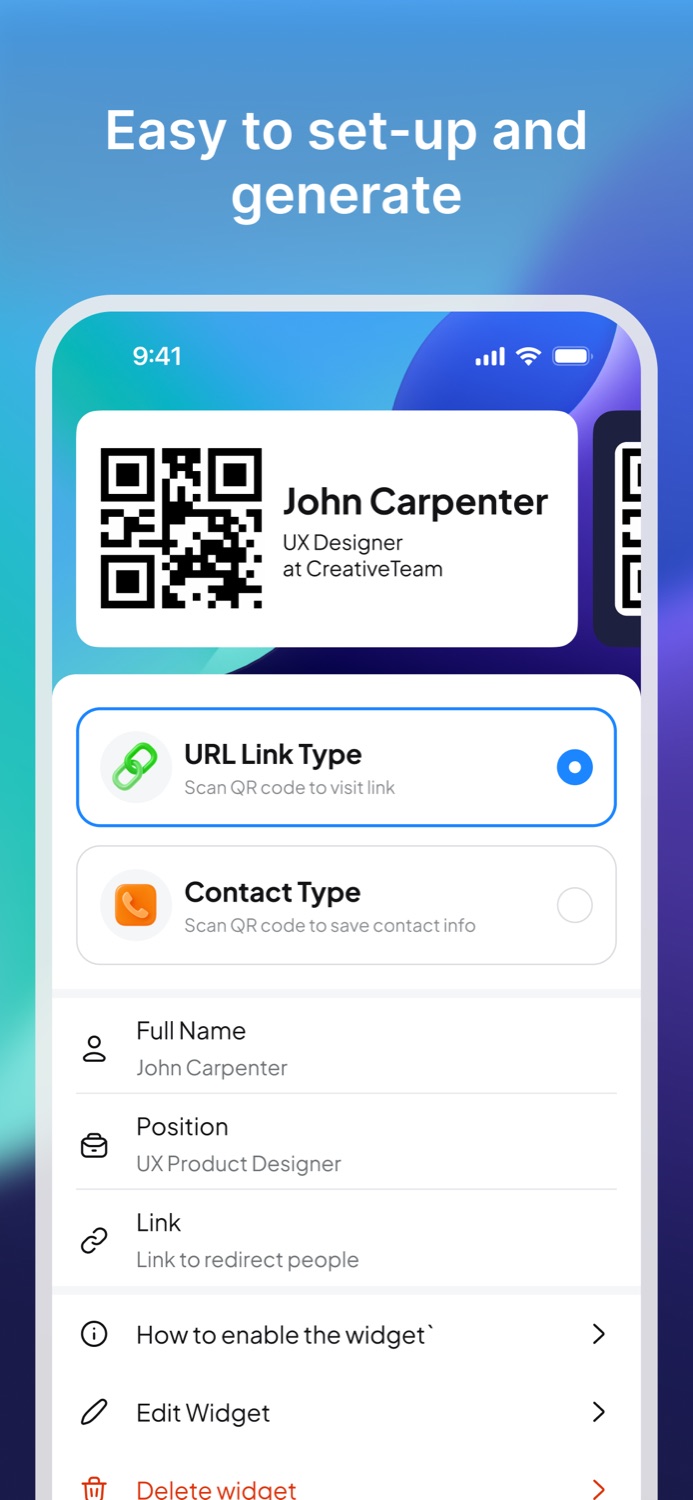
A business card is a compact way to share professional identity and contact information. Traditionally, it is a printed card with a name, role, company, phone number, email address, and website. The purpose is not decoration. The purpose is memory and follow-up.
Modern business cards can be physical cards, digital cards, QR code cards, contact links, or app-based cards. A digital business card is especially useful when your information changes often, when you want someone to open a website immediately, or when you do not want to rely on printed cards.
A useful business card should include enough information for someone to understand who you are and what to do next. More information is not always better. The best business cards are clear, scannable, and focused.
| Need | Paper business cards | Digital QR business cards |
|---|---|---|
| Fast handoff | Good when you have cards with you. | Good when your phone is available. |
| Updated information | Requires reprinting after changes. | Can point to a current link or contact destination. |
| Follow-up | The other person must type or save details manually. | The other person can scan and open the destination immediately. |
| Events | Works well until you run out. | Works as long as your phone is ready. |
A QR code turns a business card into an action. Instead of asking someone to type a URL, search your name, or manually save your number, you can let them scan your QR business card and open the right destination immediately.
That destination can be a website, contact page, portfolio, booking page, social profile, or another link that helps the relationship continue after the conversation.
Business cards are useful whenever a conversation creates potential future value: meeting a client, finding a collaborator, talking with a recruiter, connecting at a conference, or sharing work with someone who may not want to type a URL on the spot.
For modern networking, the best setup is often a QR digital business card on your phone plus printed cards for situations where paper is expected.
Business Card Widget helps you create a QR business card from your phone. The app is designed for quick contact or link sharing, and the iPhone widget keeps the QR card available from the Home Screen.
If your goal is to stop worrying about printed business cards and make follow-up easier, a digital QR business card is the practical next step.
Next steps
Best when you want a flexible card that is easy to share from your phone.
Best when you want people to scan and open your link or contact details quickly.
Best when you want to create and carry your business card on your phone.
Business card guides
A checklist for names, titles, QR codes, websites, and follow-up links.
Compare printed cards with phone-based QR cards for networking.
Plan what to bring, when to share, and how to follow up.
FAQ
A business card usually includes your name, role, company or project, phone number, email, website, and any link that helps someone follow up.
Digital business cards are easier to update and share from a phone. Paper cards can still be useful for tactile handoffs, but digital and QR cards make follow-up faster.
A QR code can replace the handoff of a printed business card when it opens a useful contact page, website, or saveable contact record.
Install
Download Business Card Widget and keep a QR business card ready on your phone.